August 25, 2026
Salesforce Data Quality Has Two Major Problems: Identity and Reachability
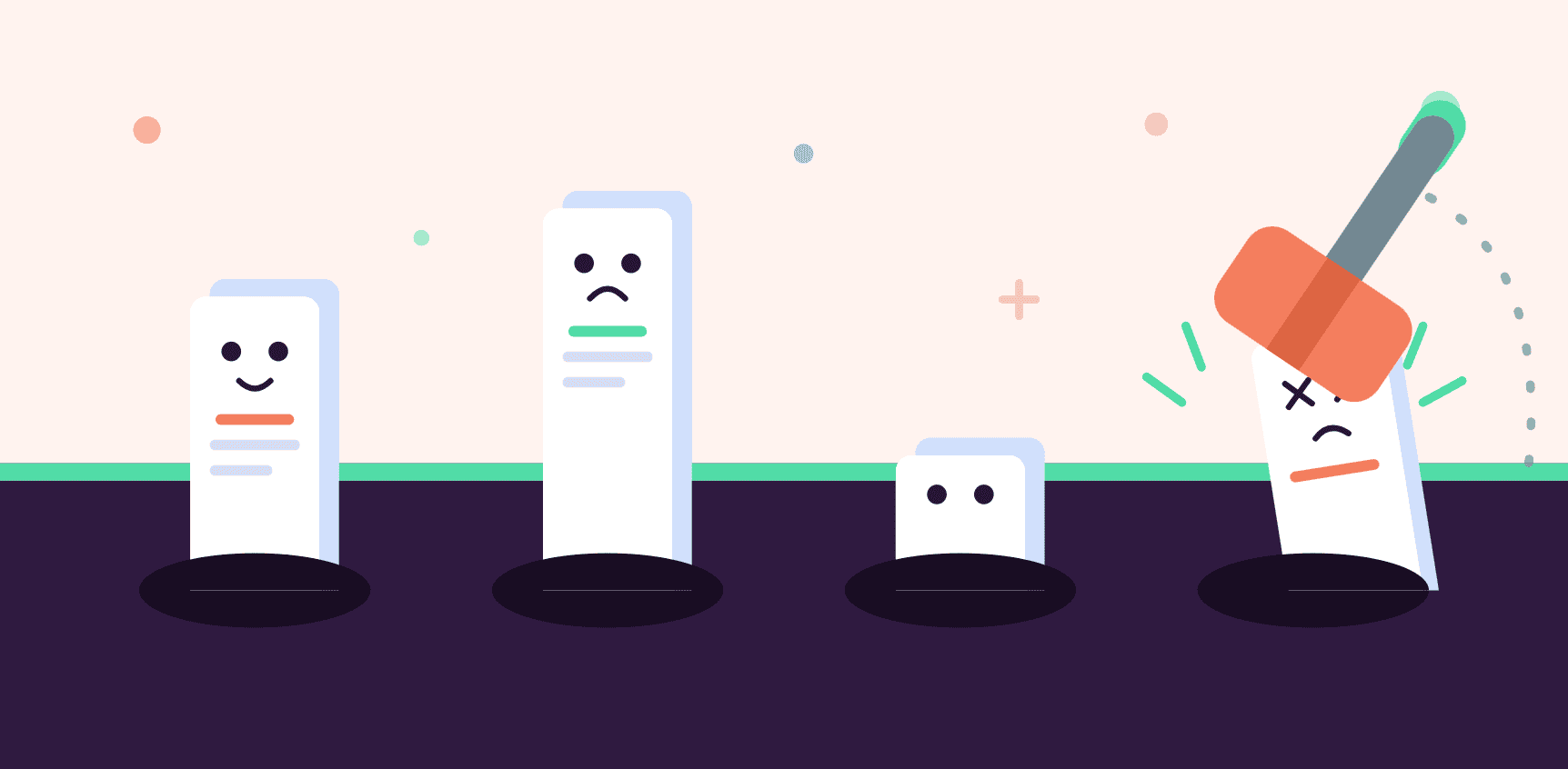
Ask a Salesforce admin what “bad data” means, and you’ll usually get the same answer: duplicates.
Two contact records for the same person. Three accounts for the same company. It’s the problem everyone names first because it’s the one you can see, right there in a list view, staring back at you.
But duplicates are only half the problem.
The other half doesn’t show up as duplicate records at all. It shows up as invalid or undeliverable email addresses, higher bounce rates, and sender reputation problems. A contact can be a perfectly legitimate, unique Salesforce record and still have an email address that can’t receive your message.
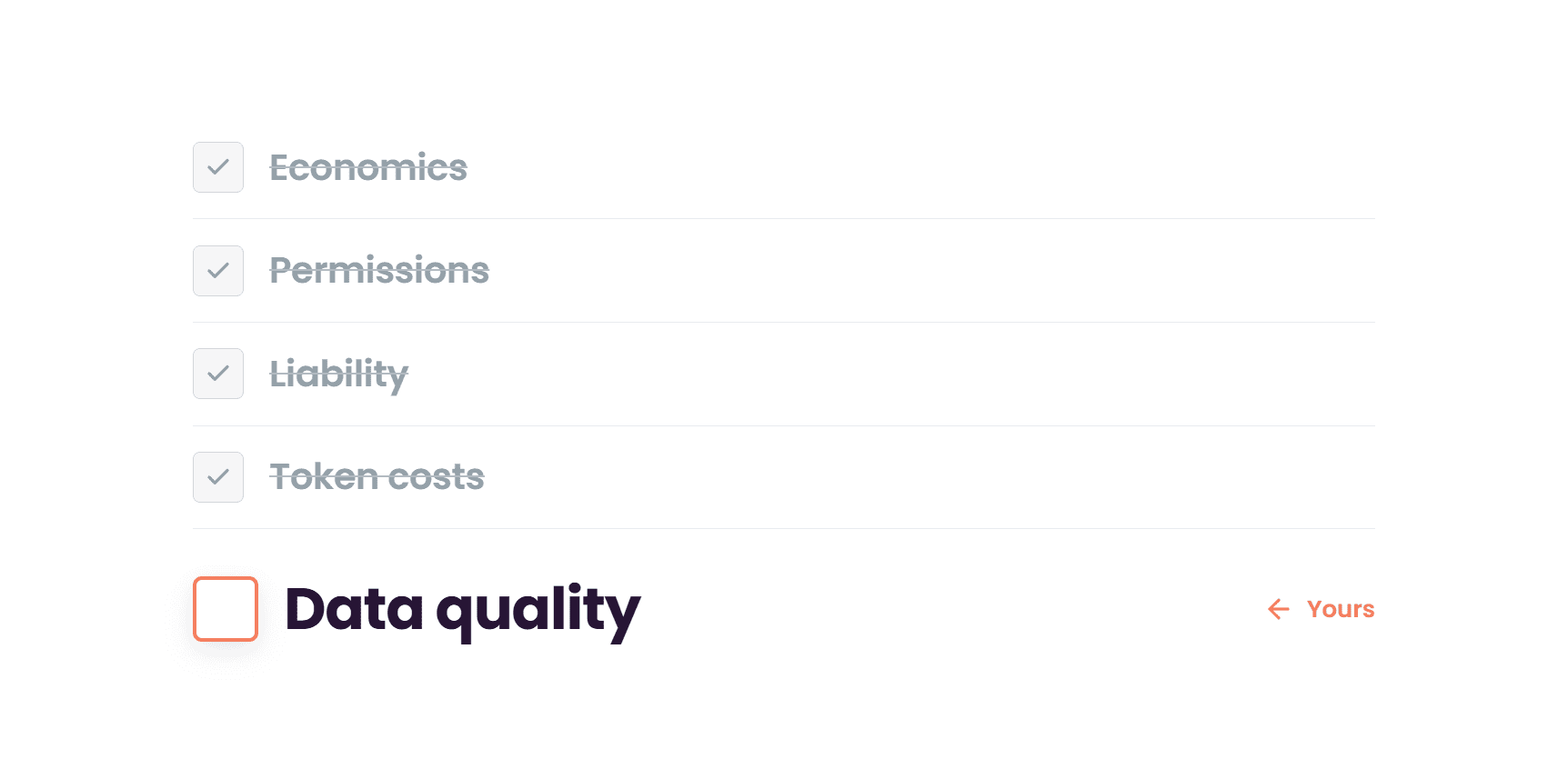
Salesforce data quality fails in two distinct ways: duplicate records and invalid contact information. They’re not variations on the same issue. They have separate causes, separate symptoms, and separate fixes. Fixing one without addressing the other still leaves you with unreliable data.
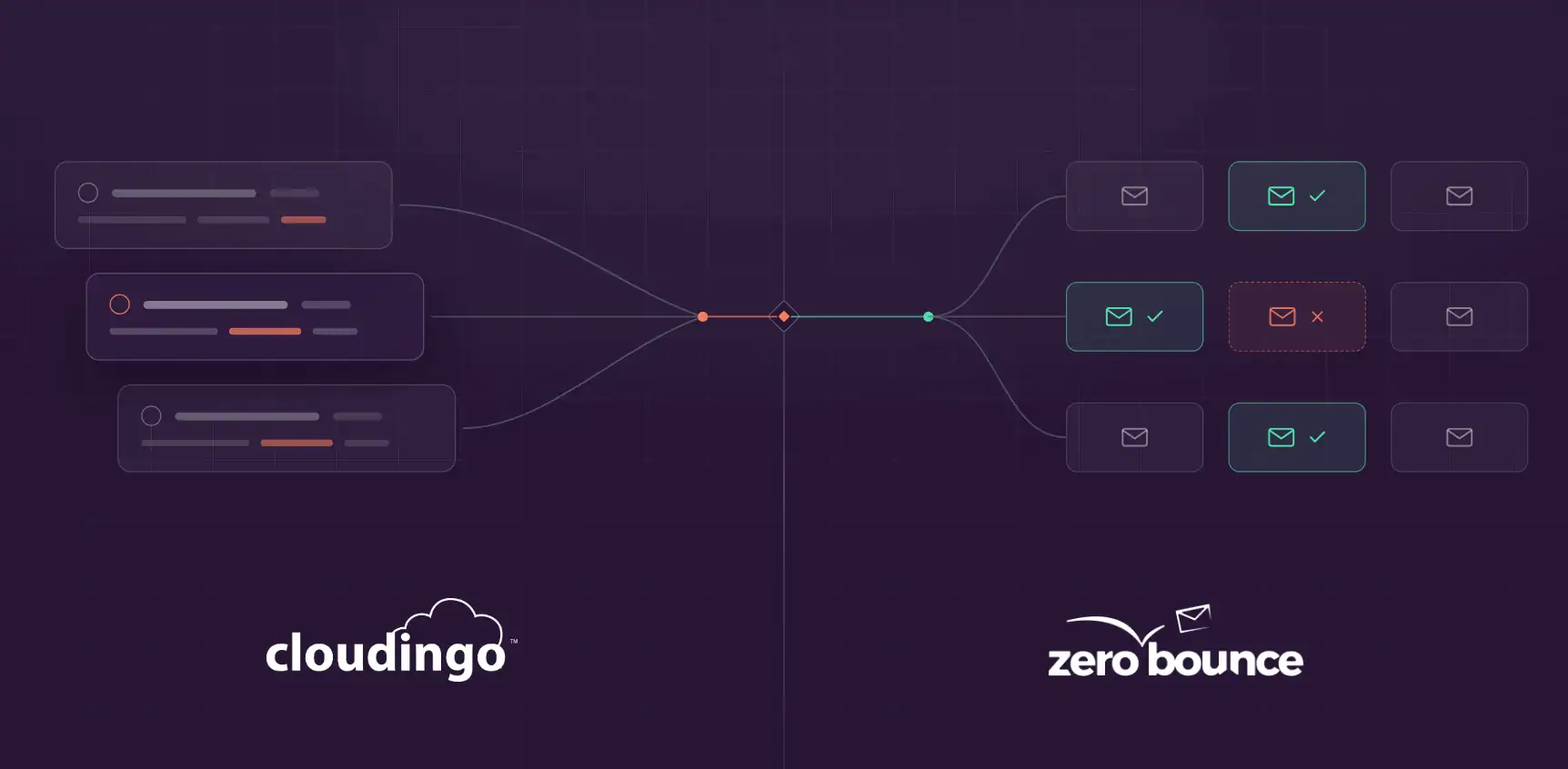
Cloudingo helps solve the identity problem: which Salesforce records actually represent the same person or company.
ZeroBounce, our partner, helps solve the reachability problem: which of those contacts can you actually reach by email.
Together, they cover two different dimensions of Salesforce data quality:
- First, determine whether your CRM records represent unique people and companies.
- Then, determine whether you can reliably reach those people by email.
Two records can look nothing alike and still be the same person — different names, different email addresses, one field outdated or missing entirely. That’s a matching problem, not an email problem, and it’s where the two issues start to separate.
Imagine you’re a rep, doing the part of the job you love.
Prospecting.
You’ve been avoiding it since Monday. Today you finally sat down, built the list, found the account, did the research, and got the angle. You type the lead into Salesforce.
Save.
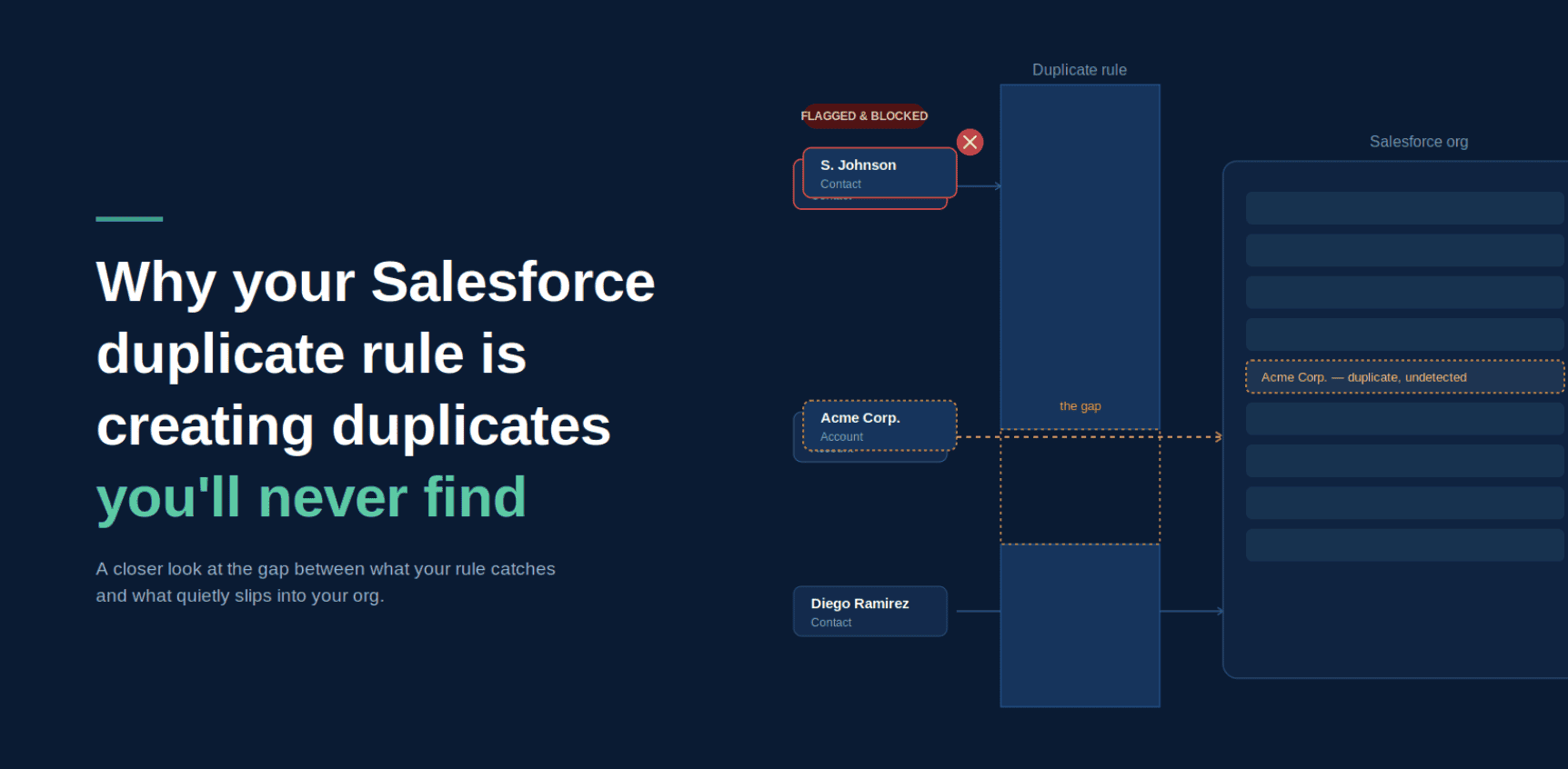
Blocked. Possible duplicate.
Now you have two options.
Option one: abandon what you just built. Go find the existing record. Discover it’s owned by someone who left in March, last touched in 2023, closed-lost with no notes explaining why. Inherit it. Work around whatever’s already in there. Hope the history doesn’t confuse the conversation you were about to have.
Option two: change the company name slightly. “Acme Corporation” becomes “Acme Corp.” Save. Get back to work.
You know which one happens.
And option two is the right call.
Not the lazy call. The right one. It took real effort to start this. You’re now being asked to throw away finished work on the word of a system that has been wrong to you before — and to do it during the one activity you have to manufacture momentum for. Kill that momentum and it doesn’t come back today. The rule offered a bad trade and you declined it. Anyone would.
Here’s what most Salesforce duplicate rules get backwards: a blocking rule doesn’t stop bad data. It stops bad data from being detectable. The record still gets created — it just gets created in a form no future matching rule will ever recognize. This is a case for informing reps at the point of entry, not blocking them, and for treating duplicate management as a continuous process instead of a one-time gate.
Failure Mode 1: Duplicates Are an Identity Problem
Duplicate records are a failure of identity.
Salesforce doesn’t always know that “Bob Smith” and “Robert Smith” at the same company are the same person, so it can treat them as separate records. Multiply that across trade show imports, web forms, manual entry, acquisitions, and disconnected systems feeding leads into your org, and duplicates compound quickly.
The problem isn’t just that you have two records instead of one. Those duplicates can affect everything downstream:
- Reporting and forecasting: Pipeline and revenue numbers can be inflated or double-counted.
- Lead routing: The same prospect can be assigned to two reps or routed based on incomplete activity history.
- Attribution: Marketing touches and engagement history can be split across duplicate records, making it harder to understand what’s driving the pipeline.
- Customer experience: Two reps can reach out to the same person without realizing they’re working with the same contact.
- Automation: Workflows, integrations, and AI-driven processes can act on duplicate records as if they’re separate people.
This is the failure mode most Salesforce admins already know how to name, even if identifying and resolving duplicates at scale can be time-consuming.
That’s where a deduplication tool can help.
Cloudingo can compare Salesforce records using multiple fields and configurable matching criteria to identify records that represent the same person or company. It can then help admins merge those records, prevent new duplicates during imports and data entry, and maintain cleaner data over time.
But a clean record isn’t necessarily a reachable record.
Failure Mode 2: Invalid Contacts Are a Reachability Problem
The second failure mode is quieter.
A record can be perfectly unique, with no duplicates anywhere near it, and still be unusable because the email address behind it doesn’t work.
Typos at capture. Abandoned inboxes. Role-based addresses. Spam traps. Addresses that were valid two years ago but aren’t anymore. Unlike duplicates, this failure mode doesn’t clutter your CRM in an obvious way. It affects your ability to actually use the data.
The consequences can include:
- Deliverability issues: A high rate of invalid or risky addresses can damage sender reputation and affect future campaigns.
- Skewed engagement metrics: Emails that never reach an inbox can drag down campaign performance and make good content look like it’s underperforming.
- A risky email list: Poor-quality addresses make your marketing database less reliable over time.
- Wasted effort: Sales and marketing teams can spend time pursuing contacts who were never reachable in the first place.
On average, email lists decay by 23% – 28% every single year. For businesses of all sizes, it can be disheartening to see contacts that were valid and active bouncing back. But holding on to obsolete data is a surefire way to lose your spot in the inbox.
ZeroBounce, our partner, validates email addresses and identifies invalid, risky, and other problematic contacts before they become a larger problem for your outreach. It helps keep bounces at bay (under the accepted benchmark of 2%) and improve deliverability.
Why Fixing Only One Still Leaves You With Bad Data
Here’s where the two failure modes collide, and why teams that solve for only one can still end up frustrated.
A CRM can be deduped to perfection, with one clean record per person, and still contain a meaningful share of invalid email addresses quietly hurting deliverability.
The data is unique.
It’s just not reachable.
Flip it around, and a CRM can have valid, deliverable email addresses while still containing three copies of the same contact.
The data is reachable.
It’s just not accurate.
Neither team is wrong about what they fixed. They’re just solving for one dimension of data quality and assuming it covers the other.
It doesn’t.
Identity and reachability are independent problems, and a trustworthy CRM needs both.
Two Problems. Two Purpose-Built Fixes.
This is the practical reason Cloudingo and ZeroBounce work well together as complementary pieces of a data quality strategy.
Cloudingo: Solve the Identity Problem
Cloudingo is built for the Salesforce record side of data quality. It helps teams:
- Find duplicate Salesforce records using configurable matching criteria
- Compare records across multiple fields
- Merge duplicate records
- Prevent duplicates during imports and data entry
- Maintain control over which records become the master
- Clean up duplicate data at scale
The key distinction is that Cloudingo isn’t simply asking whether two records have the same email address. It’s evaluating whether the records themselves represent the same person or company. That matters because duplicates can exist even when email addresses don’t match.
For example:
Record 1:
Robert Smith
Acme Corporation
robert@acme.com
Record 2:
Bob Smith
Acme Corp.
bob.smith@acme.com
Those records could represent the same person despite having different names and email addresses. That’s where Salesforce-level deduplication provides value that email-level duplicate detection can’t.
ZeroBounce: Solve the Reachability Problem
ZeroBounce addresses a different question: Can you actually reach this contact by email?
It can validate email addresses and identify problematic contacts before they negatively affect your email programs. It can also flag duplicate email addresses, giving teams another useful view into the condition of their data.
The two tools therefore aren’t trying to do the same job.
Cloudingo determines whether your Salesforce records are unique.
ZeroBounce determines whether the email addresses associated with those records are usable.
That’s the point.
Why This Matters More Now: AI Runs on Both
AI readiness isn’t a third data quality problem.
It’s another reason to solve the first two.
Every scoring model, forecast, recommendation, and AI-driven workflow is only as trustworthy as the data underneath it.
Duplicate records can distort the signals AI uses by making one person look like multiple people. Engagement, activity, ownership, and conversion signals can become fragmented across records that should have been consolidated.
Invalid email data creates a different problem. Contacts who can’t receive your messages won’t generate the engagement signals you’re expecting. That can make an otherwise valuable audience appear less engaged than it really is.
The result is the same: AI is being asked to make decisions using data that doesn’t accurately represent reality.
Clean, deduplicated records help establish who your contacts actually are.
Validated contact information helps establish whether you can actually reach them.
You need both.
What a Complete Salesforce Data Quality Workflow Looks Like
For an existing database with a duplicate backlog:
- Deduplicate Salesforce records with Cloudingo.
Find and merge records that represent the same person or company. Learn more. - Validate email addresses with ZeroBounce.
Run validation against the cleaned set of records to identify invalid, risky, or otherwise problematic addresses. - Address the results.
Update, suppress, or otherwise manage records based on your organization’s data-quality and outreach policies.
For new records entering Salesforce day to day:
- Validate email addresses as they enter your sales and marketing workflows.
- Prevent duplicate Salesforce records during imports and data entry.
- Monitor both dimensions of data quality rather than relying on a periodic cleanup.
- Revalidate email addresses periodically because contact information changes over time.
- Give data quality an owner and a process instead of treating it as an occasional fire drill before a major campaign or board meeting.
The goal isn’t simply to have fewer duplicates or fewer bounces.
The goal is to maintain data that is both accurate and usable.
The Takeaway
“My data is clean” can mean a lot of things. Maybe it means you don’t have duplicate records.
Maybe it means your email list has a low bounce rate. But those aren’t the same thing.
A contact can be unique and unreachable. A contact can be reachable and duplicated.
For Salesforce data to be genuinely useful, you need to solve both sides of the equation:
- Cloudingo helps you know who you have.
- ZeroBounce helps you know who you can reach.
Together, they provide a more complete approach to Salesforce data quality: deduplicate the records, validate the contact information, and keep both clean over time.
FAQ
Yes. Duplicates are a matching and identity problem: the same person or company is represented by more than one Salesforce record. Invalid emails are a reachability problem: a record’s email address is invalid, risky, or otherwise unsuitable for reliable email communication. A Salesforce org can have either problem without having the other, which is why both need to be addressed independently.
Yes. ZeroBounce can flag duplicate email addresses during the validation process but doesn’t merge them. Duplicate email detection and Salesforce record deduplication are not the same thing. Two Salesforce records can represent the same person even when they have different email addresses, different names, or incomplete contact information. That’s why email-level duplicate detection doesn’t replace CRM-level deduplication or merging.
Email quality changes over time. People change jobs, leave companies, abandon inboxes, and change email addresses. For that reason, email validation works best as an ongoing process rather than a one-time cleanup, particularly for data sources such as web forms, imports, and older marketing databases.
Yes. Forecasting, scoring, automation, and AI-driven recommendations depend on the quality of the underlying Salesforce data. Duplicate records can fragment activity and engagement signals across multiple records. Invalid contact information can prevent expected engagement signals from ever being generated. Cleaning both problems gives Salesforce and the systems built on top of it a more accurate representation of your customers and prospects.
Dedupe first. Start by determining how many unique people and companies are actually represented in your Salesforce database. Cloudingo can identify and merge duplicate records using multiple fields and matching criteria. Then use ZeroBounce to validate the email addresses associated with those cleaned records. This gives you a cleaner starting point for validation and ensures you’re making your email-quality decisions against the records you actually intend to keep.
Ready to See Where Your Salesforce Data Actually Stands?
Start a free Cloudingo trial and see how much duplicate data is hiding in your Salesforce org.
Start Your Free Cloudingo Trial →
Once Cloudingo removes duplicate data, run all your contacts through ZeroBounce to make sure your list is valid and safe to use.